Terminals
The Terminals section displays an overview of all installed terminals by default. To view uninstalled terminals as well, the user should uncheck the Only installed filter above the table.

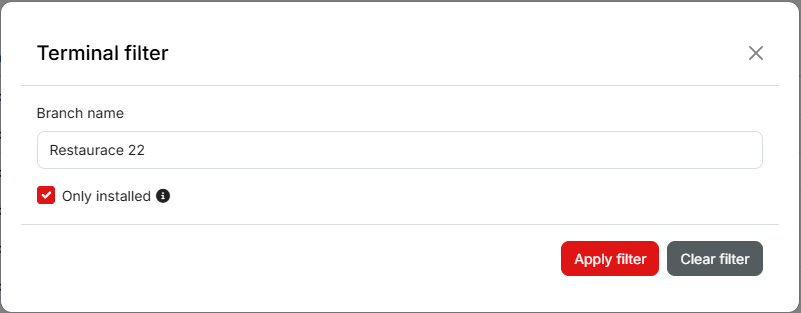
It is possible to quickly search for a specific terminal by typing the TID or PID into the search field. Using the Filter, terminals can also be filtered by the branch or point of sale to which they belong.
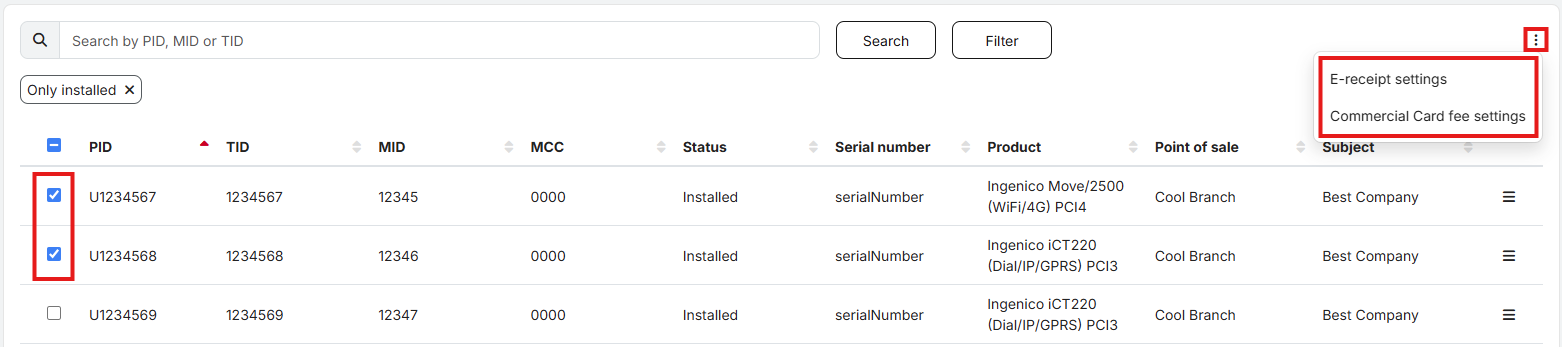
Printing customer receipts and other settings for activated services can be changed on the terminals.
First, the user selects the terminal(s) for which they want to make changes by checking the corresponding boxes. Then, open the settings for the selected service using the menu in the upper‑right corner.
In the opened window, the required settings can be configured and the changes confirmed by clicking the Save button.
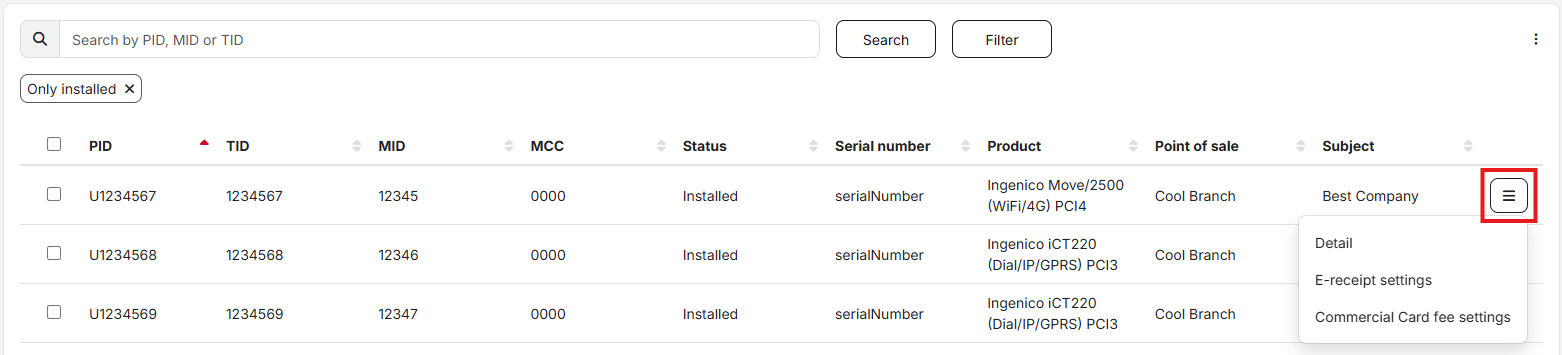
Alternatively, the settings for a specific terminal can be opened directly using the button at the end of the corresponding row. The terminal Detail can also be opened from this menu, where additional information about the selected terminal is displayed.
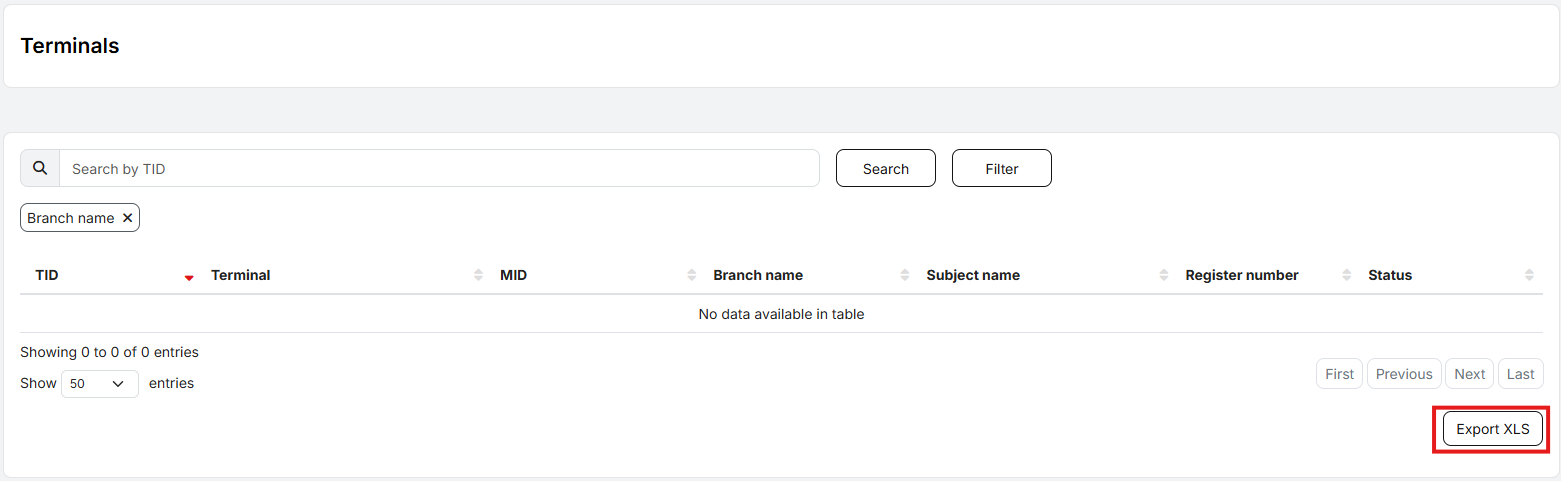
The overview of terminals, including their configured services, can be exported to an XLS file.